01Front 0°0°
0°
FrontTarget ViewTurn one character image into a practical multi-view reference. Pick the angles you need, keep your design decisions in one place, and give your next idea a stronger starting point.
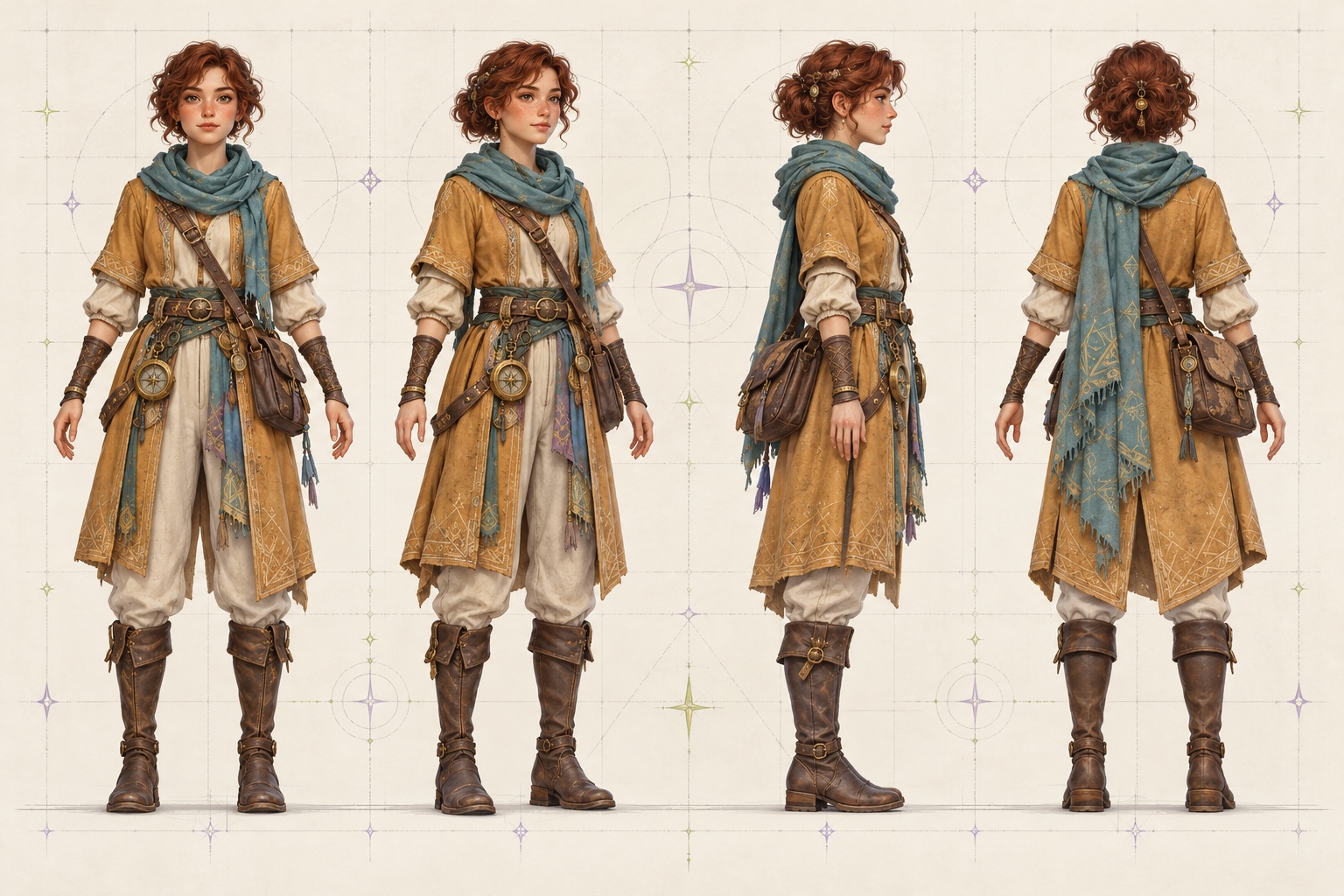
Start with an image, choose the views that help you most, and shape a reference sheet around your project.
A turnaround makes the hidden parts of a character easier to talk about—from costume shapes to silhouette and accessory placement.
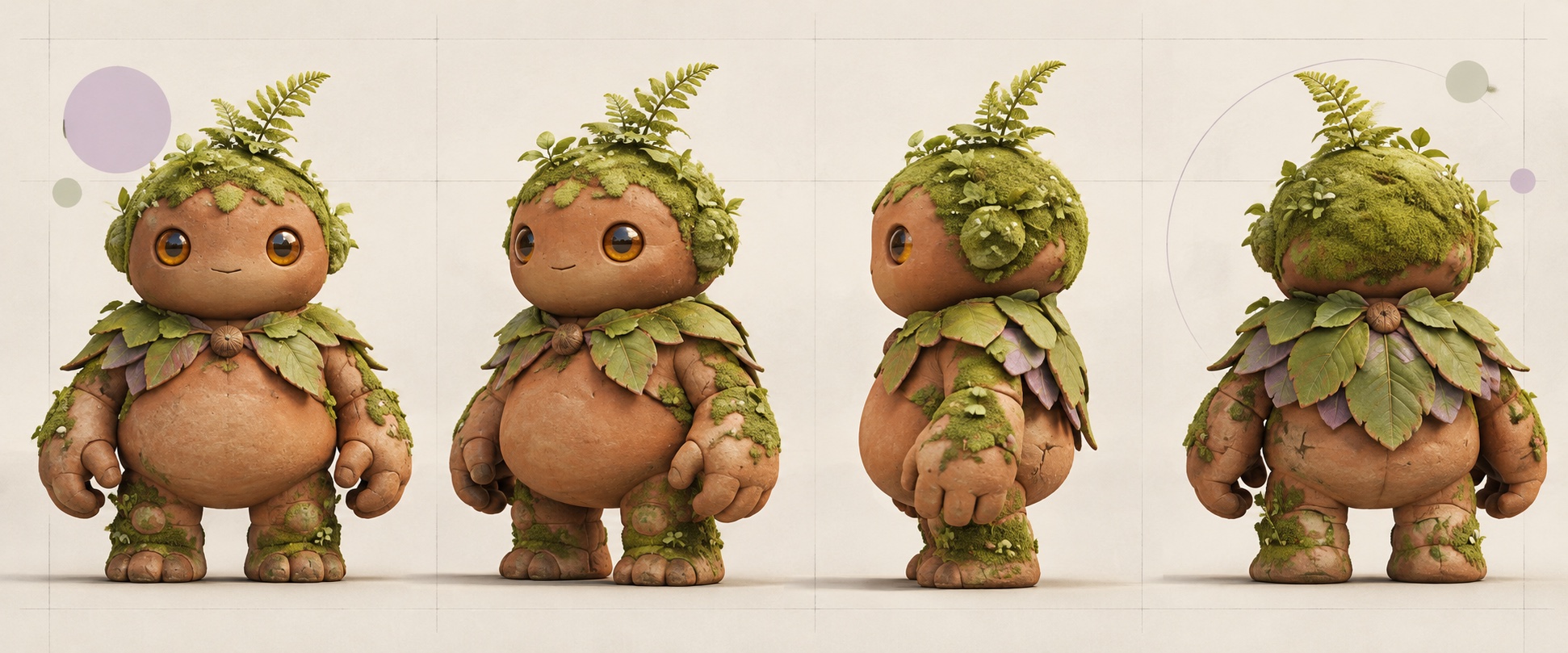
Keep artists and collaborators aligned on the look you’ve already approved.
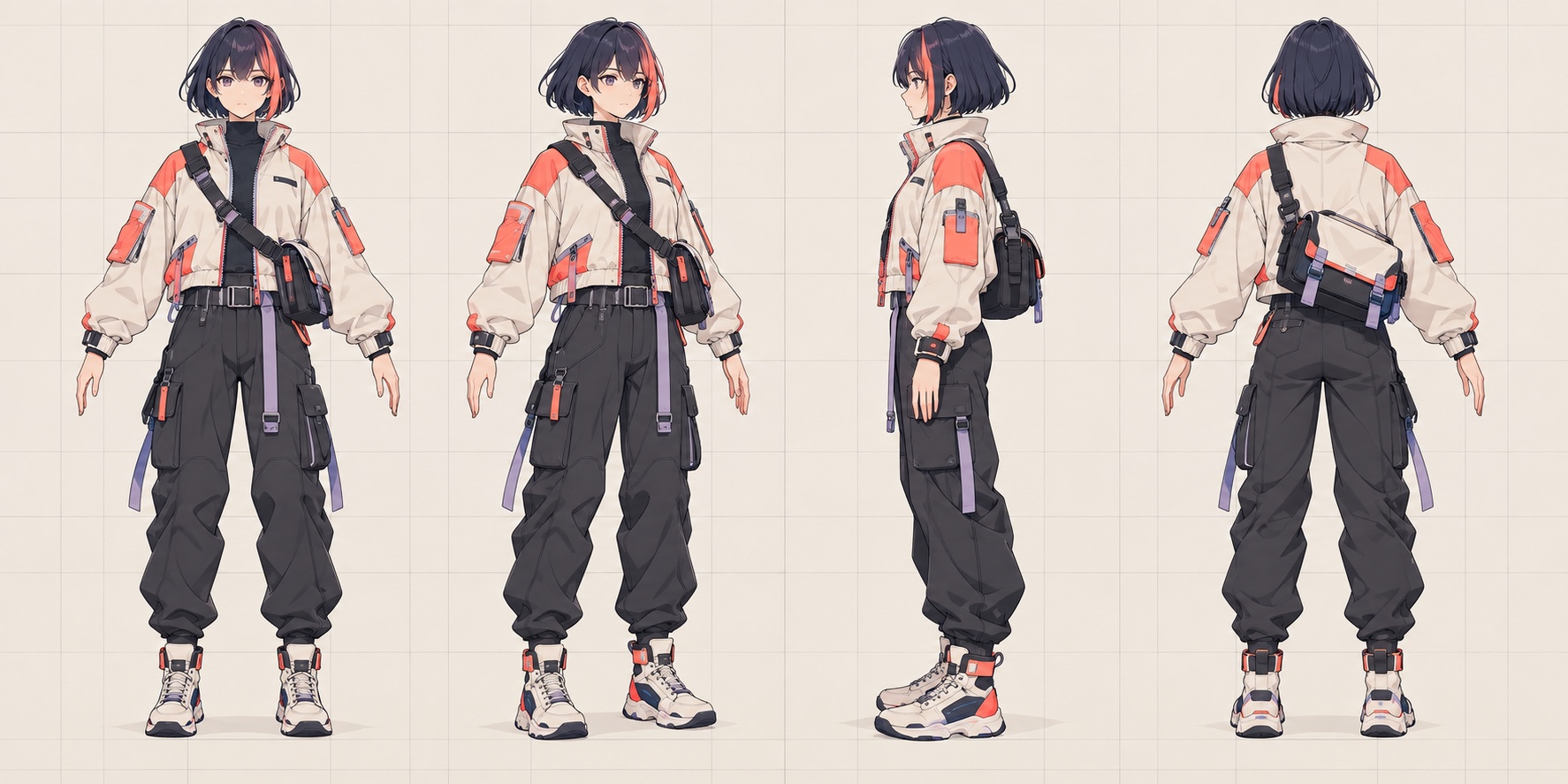
Use front, profile, and rear views to spot choices a hero pose can hide.
Make early design conversations more concrete for games, comics, and animation.
Illustrative examples only. Your results depend on the source image and generation settings.
A turnaround gives your next conversation a clearer starting point. Keep what works, flag what needs a human eye, and carry the design forward with more confidence.
Use one approved character image as the anchor for the views you want to explore.
Choose one angle, a quick four-view check, a full eight-view turn, or only the directions your project needs.
Check inferred backs, accessories, patterns, and proportions before you share.
Organize the views into a visual reference for artists, teammates, or your own next step.
Set up a reference that’s easy to discuss, refine, and bring into your creative process.
Choose a clear character image that shows the features you want to keep.
Choose one angle, start with four views, or add any directions you need for a fuller turn.
Compare the angles with your original and note anything that needs an artist’s touch.
A turnaround is a useful creative reference. It works best when you know what you want to check.
It’s a set of coordinated views that shows one character from different directions, often including front, profile, three-quarter, and back views. Artists use turnarounds to discuss shape, costume, and details that a single pose can’t show.
Use a clear image where the character’s face, body shape, clothing, and important accessories are easy to see. A simple background can make the design easier to read.
Angles that aren’t visible in your source image must be inferred. Review hidden details, asymmetry, and proportions before using a sheet as a production reference.
Choose one view for a focused check, four for the essential directions, or eight for a fuller turn. You can also pick any custom subset of the available angles.
It can help with early concept discussion and blockouts. Treat generated or inferred details as a starting reference and have an artist confirm production-critical geometry.
This workspace currently lets you upload an image and plan a sheet layout. Character angle generation will be added when the image-generation service is connected.
Start with the design you have. Choose the views that answer your questions, then use the sheet to make your next creative decision easier.
Set up my character sheet